Privacy Policy
Last updated: November 2025
This website and the app ByeCtrlClick are designed with privacy in mind. The app does not collect, transmit, or store any personal data.
1. Website Data
When you visit this website, only technical information necessary for the connection is processed (e.g. your IP address, browser type, and time of access). These server logs are managed by our hosting provider netcup GmbH (Germany) and are automatically deleted after a short period for security reasons.
2. Purchases via Gumroad
Purchases and license management are handled entirely by Gumroad Inc. (USA). Gumroad processes personal data such as email address and payment information under its own responsibility according to its privacy policy: https://gumroad.com/privacy. The developer only receives the buyer’s email address and license key for activation purposes. This information is not stored or shared.
3. In‑App Data
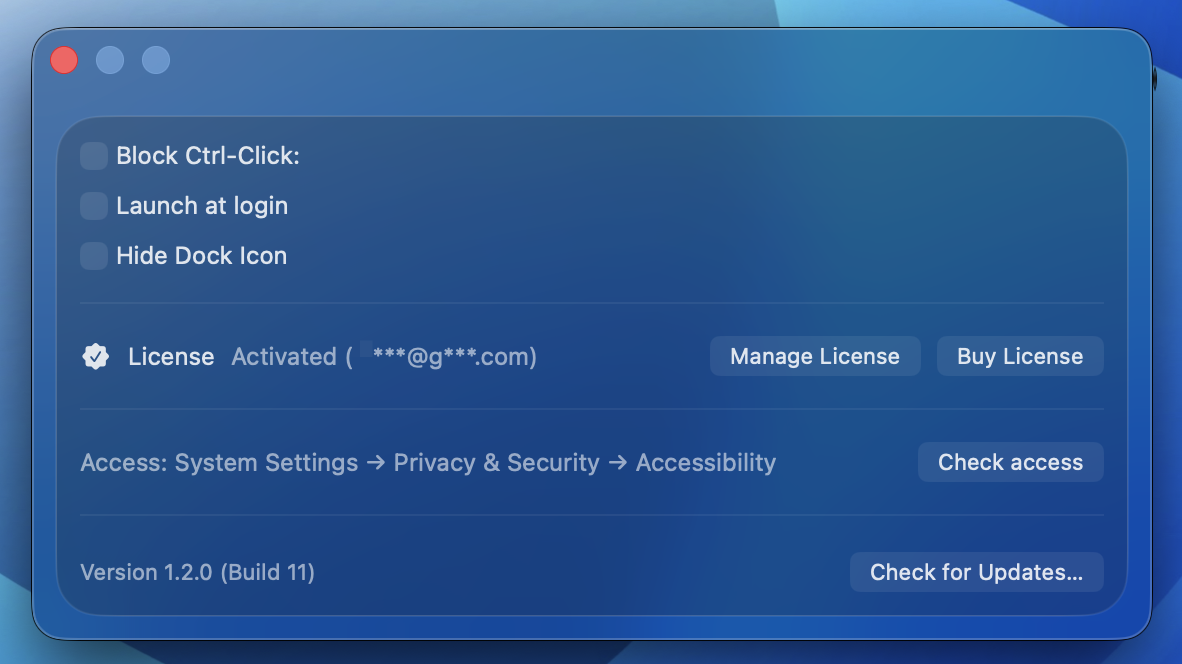
ByeCtrlClick operates fully offline. It only connects to the Gumroad API to verify a valid license when you activate the app. No personal data is sent to any other servers, and no usage data is collected.
4. Contact
If you have any questions about privacy, you can reach the developer at: contact@byectrlclick.com
5. Hosting
This website is hosted by netcup GmbH (Germany). A data processing agreement (DPA) according to Article 28 GDPR is in place with the provider.
6. Cookies and Analytics
This website does not use cookies, analytics tools, or third‑party scripts.
Summary
ByeCtrlClick respects your privacy. No tracking, no ads, no hidden data collection — just a simple utility app.
 ByeCtrlClick
Updates
ByeCtrlClick
Updates