ByeCtrlClick Updates

Download the latest version

Get the newest ByeCtrlClick with the latest fixes and improvements.
macOS
Latest Release

What's new in version 1.4.0

Enhanced gaming support and stability improvements.

New

  • Gaming Mode: Prevent camera and mouse stuttering in games caused by the Magnet app. When Gaming Mode is enabled, Magnet is automatically closed in the background to ensure smooth gameplay. Once Gaming Mode is disabled, Magnet is reopened automatically.

Improvements

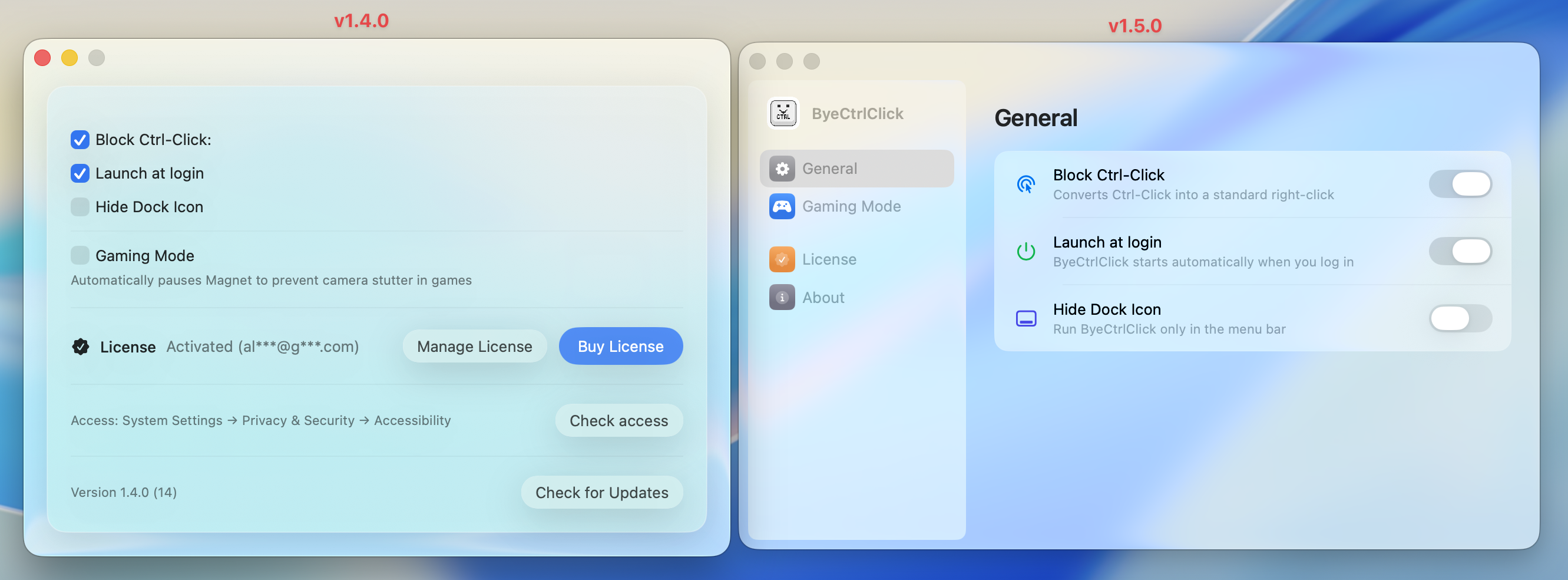
  • Enhanced user interface in Settings window for better clarity and ease of use.

Bug Fixes

  • Fixed an issue where clicking outside the Settings or Onboarding window while "Hide App Icon" was enabled would cause all windows to disappear unexpectedly.
  • Improved window management to ensure dialogs remain accessible when the app is in hidden mode.

Previous versions

Version 1.3.0

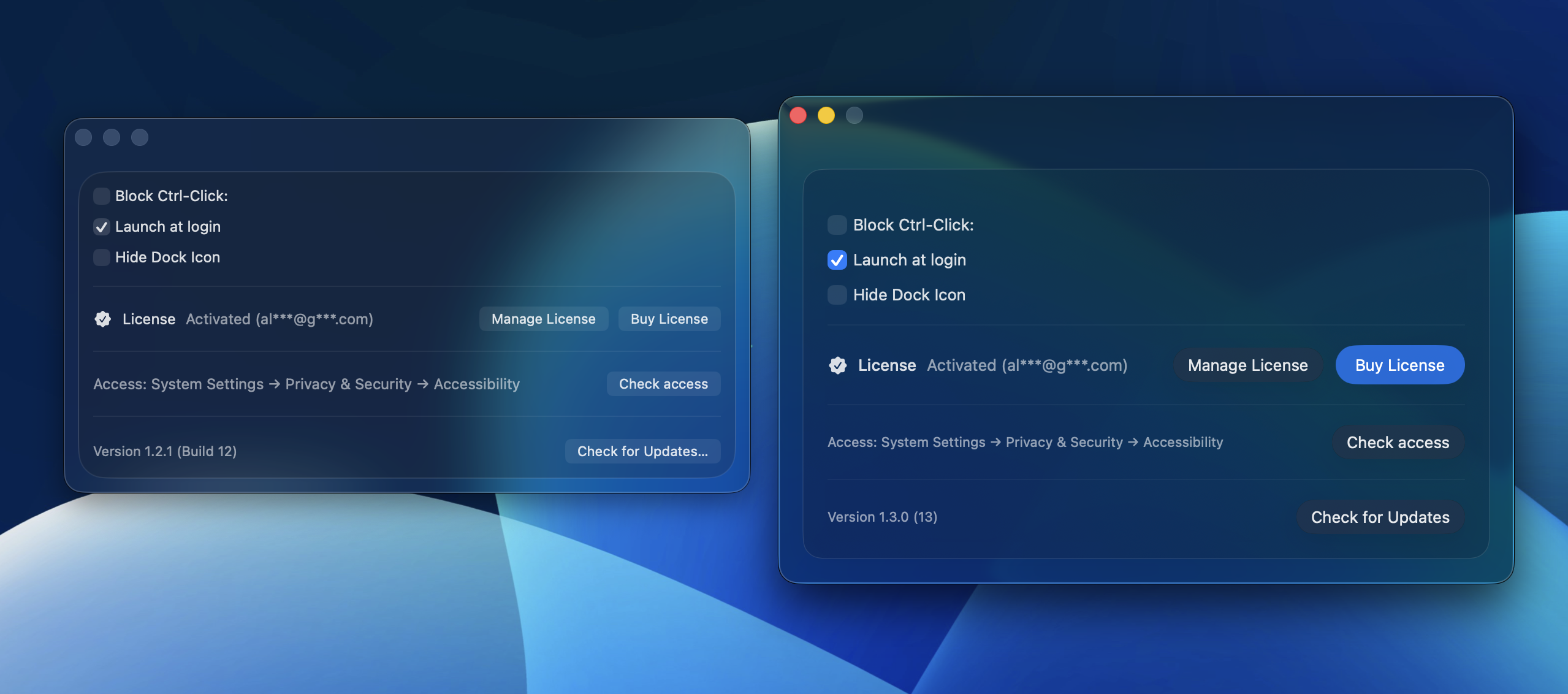
Native Liquid Glass Design update.

New

  • Native Liquid Glass: Updated from Frosted Glass to the native Liquid Glass Design.

General Improvements

  • Updated app components to leverage the new Liquid Glass aesthetic.
  • Refined the user interface for a more consistent look and feel across macOS 15.

Version 1.2.1

Stability improvements and critical fixes.

Fixed & Polished

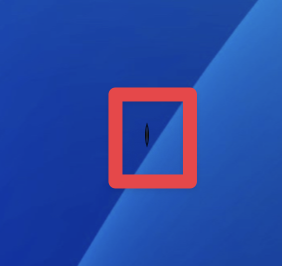
  • Ghost Window Banished: Resolved a persistent issue where a tiny 1px artifact or empty window remained visible on the screen. The app now stays completely hidden in the background.
  • Settings Menu Fix: Restored full compatibility for opening Settings on macOS 15 Sonoma and newer versions.
  • Infinite Onboarding Replays: Fixed a bug where "Repeat Onboarding" would only work once. You can now revisit the onboarding flow as many times as you like.

General Improvements

  • Optimized window management logic for a smoother transition between onboarding and active states.
  • Refined the internal app architecture to better support future macOS updates.

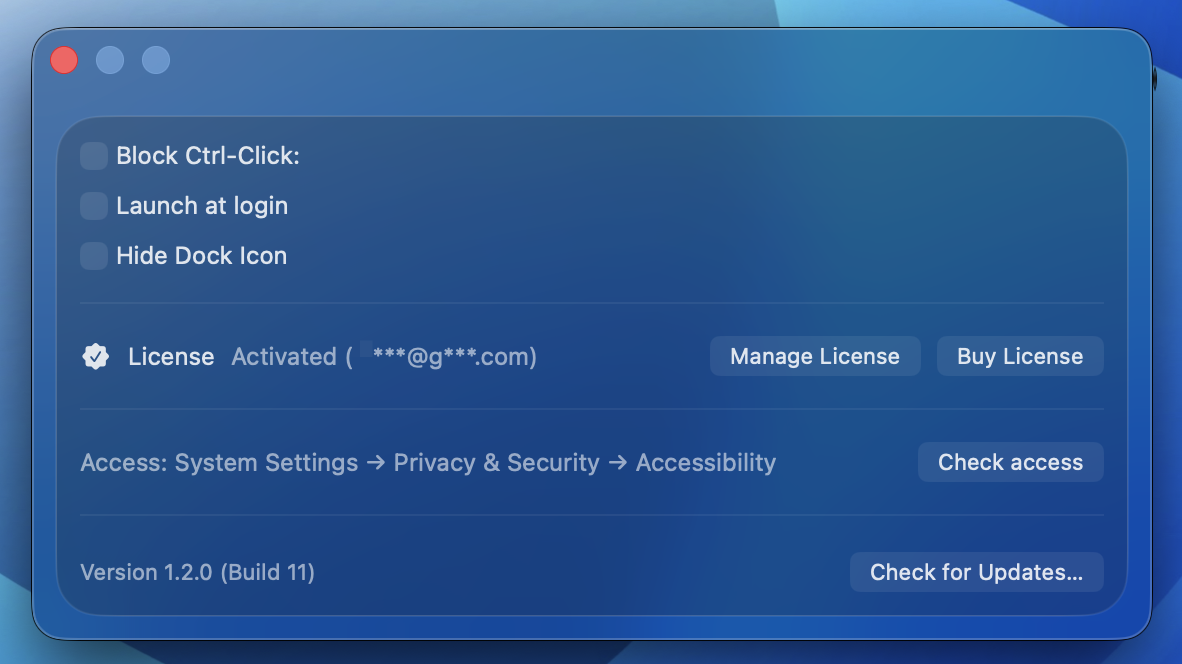
Version 1.2.0

New features, improvements, and fixes.

What's new

  • Added brand‑new option: Hide App Icon (removes the Dock icon while the app runs)
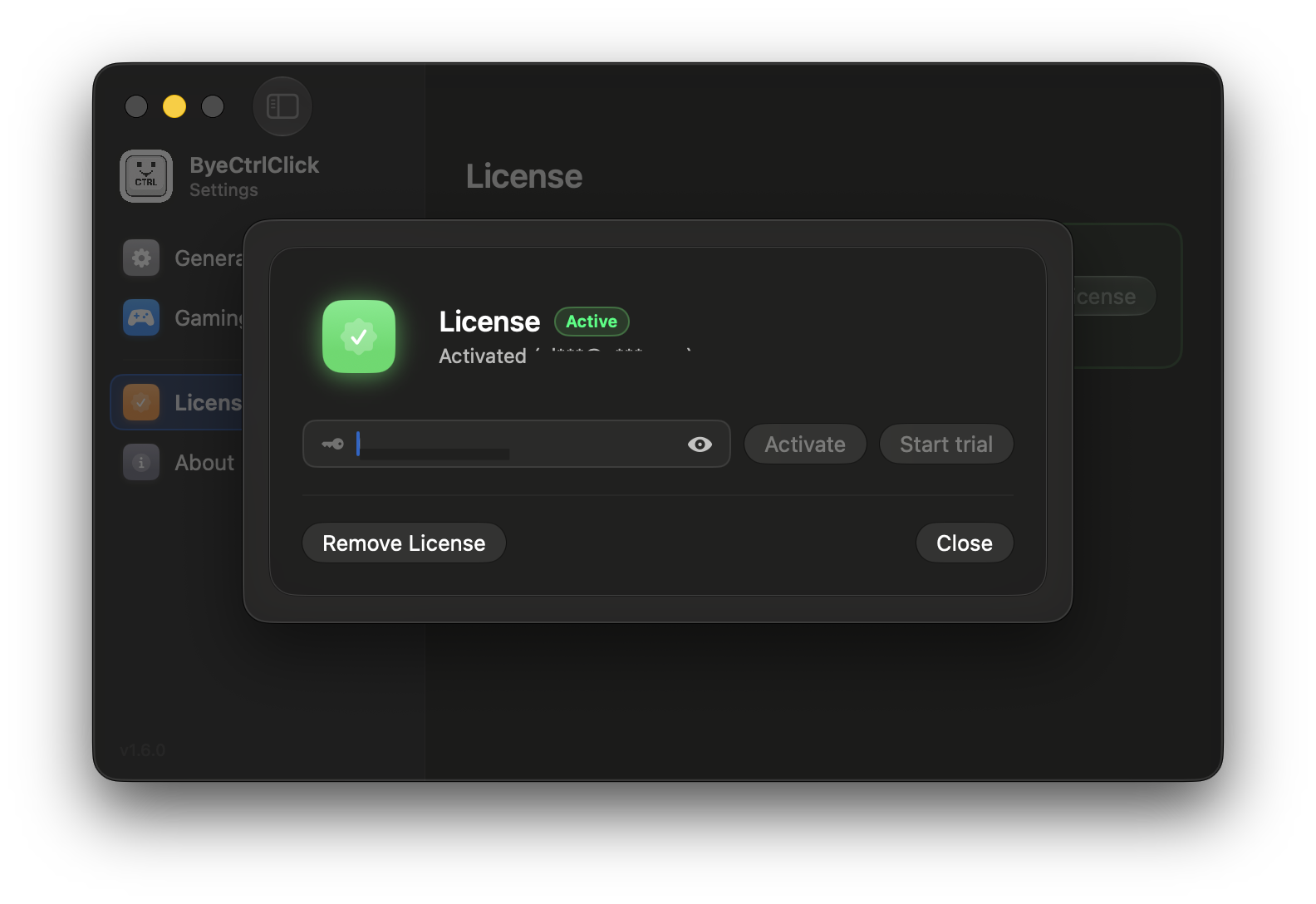
  • Added transparent explanation for Gumroad license limitations
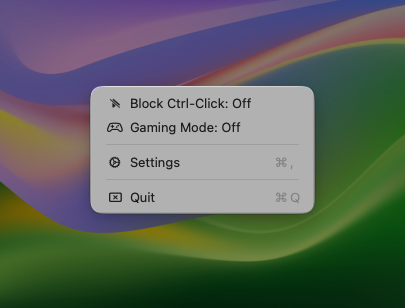
  • Added SF Symbols in the macOS 26 Tahoe menu bar (for Settings, Repeat Onboarding, Allow Access, Quit, Check for Updates, and more)

Improved & Updated

  • Settings window now reliably moves to the foreground when opened
  • Onboarding UI refined with improved layout and masked email display for privacy
  • Buttons in the onboarding flow now visually match their enabled/disabled states
  • License handling improved — activation count now consistently synced across devices
  • General UI polishing across multiple screens

Fixed

  • Resolved issue where Command‑C / Command‑V shortcuts did not work in input fields
  • Fixed onboarding window being permanently "always on top"
  • Multiple smaller bug fixes and stability improvements

Version 1.1.0

macOS Tahoe update.
  • macOS Tahoe support is here.
  • New glass look for macOS Tahoe users.
  • New macOS Tahoe app icons.
  • Minor bug fixes and performance improvements.